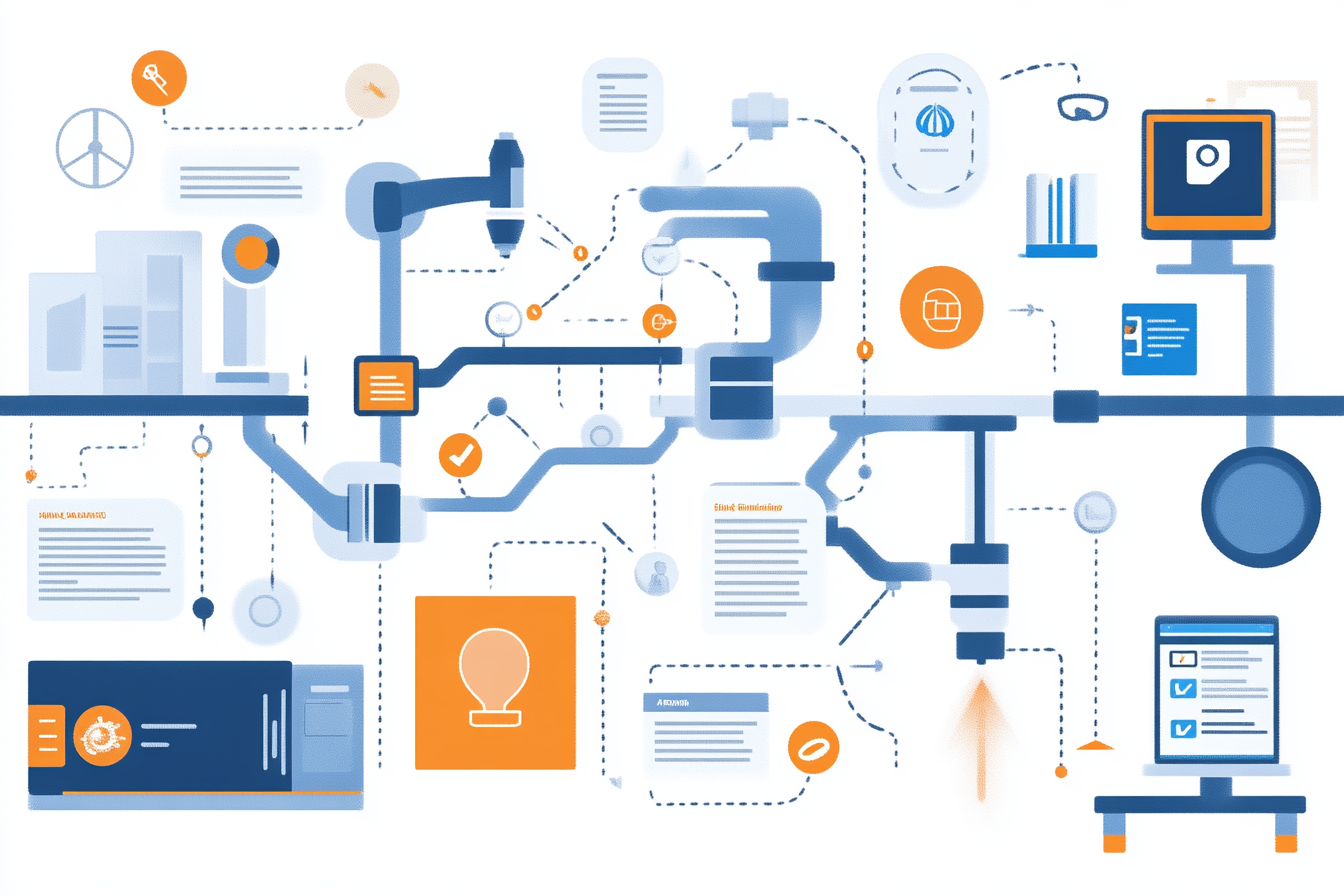

Workflow automation refers to the use of technology to streamline and automate various tasks within software applications, thereby enhancing productivity while minimizing inefficiencies. By automating repetitive tasks, businesses can focus their resources on more strategic activities that create greater value.
Unlock the benefits of Automation for your business with ipsom.io.
Key Takeaways
- Definition of Workflow Automation: Automating business processes and tasks with minimal human intervention enhances efficiency and productivity.
- Key Statistics: 66% of knowledge workers use automation to focus more on creative tasks; 88% of small business owners believe automation helps them compete.
- Role-Specific Benefits: Various departments, including marketing, finance, and HR, benefit significantly from workflow automation.
- Common Tools: Tools like Zapier and Jotform Approvals enable easy workflow automation without requiring coding skills.
- Challenges and Solutions: Identifying inefficiencies and streamlining existing processes is essential for successful automation implementation.
Understanding Workflow Automation
Workflow automation is the process of using technology to automate tasks and processes within business workflows. This approach minimizes the need for human intervention and significantly enhances efficiency and productivity. By automating repetitive and mundane tasks, businesses can ensure that resources are allocated to more strategic activities that add value.
What is Workflow Automation?
The term refers to automating various tasks and processes within a business's workflow. It allows companies to streamline operations and reduce the likelihood of errors. This efficiency lets teams work smarter and focus on high-value initiatives.
Core Components of Workflow Automation
Workflow automation consists of two main components: triggers and actions. A trigger is an event that initiates an automation process, such as receiving an email. The associated action is what is executed as a response—like logging the email into a database. This structure helps create efficient workflows with clearly defined, repeatable steps, making it easier to achieve desired outcomes.
Key Statistics on Workflow Automation
Automation's impact is clear. According to recent data, 66% of knowledge workers feel that automation allows them to redirect their focus to more creative tasks. Additionally, 88% of small businesses believe that implementing automation gives them a competitive edge over larger companies. These statistics underscore the relevance and necessity of automation in enhancing business operations and outcomes.
Discover more about the advantages of automation for your business at ipsom.io.
Benefits of Workflow Automation Across Various Departments
Workflow automation offers significant advantages across multiple departments. By streamlining processes, businesses can enhance efficiency and productivity. Here’s how various departments benefit from automation.
Marketing Automation
- Lead Collection & Data Cleansing: Automating these tasks allows marketers to gather and clean data effortlessly. This helps in targeting the right audience effectively.
- Email Campaigns & Follow-Ups: Automation simplifies executing email campaigns, ensuring timely follow-ups without manual intervention.
Sales Automation
- Customer Relationship Management: Automation improves the efficiency of handling customer relationships within CRMs. This leads to better customer experiences.
- Lead Scoring & Follow-Ups: With automated lead scoring, sales teams can prioritize leads. This speeds up the sales cycle and increases conversion rates.
Finance and Accounting Automation
- Automated Invoicing and Expense Tracking: Automation ensures timely invoicing and accurate expense tracking, reducing human error. This leads to quicker cash flow.
- Approval Processes: By automating approval workflows for expenses, finance operations become more efficient and transparent.
Human Resources Automation
- Onboarding & Offboarding: Automating these processes reduces administrative burdens. HR can focus on employee engagement.
- Time-Off Requests & Payroll Changes: Automation simplifies requests and changes, ensuring accurate records and timely processing.
IT Workflow Automation
- Service Requests & Ticket Handling: Automation improves the handling of service requests. This leads to quicker resolutions and reduced downtime.
- Account Setup: Streamlining account setup for new employees saves time and ensures security compliance.
Project Management Automation
- Task Assignment & Progress Tracking: Automating task assignments ensures that team members are aware of their responsibilities in real-time.
- Enhanced Task Automation Tools: Using platforms like Jira simplifies project management, making tracking easy and efficient.
Investing in workflow automation leads to smoother operations, allowing each department to focus on what truly matters—growth and innovation. Start harnessing these benefits today at ipsom.io.
Tools and Technologies for Workflow Automation
Selecting the right tools and technologies is crucial for effective workflow automation. These tools streamline processes, reduce manual work, and enhance productivity. Here are some popular options and essential features to consider.
Popular Automation Tools
Zapier is a leading tool that enables users to create automated workflows without any coding. It uses "Zaps," which are simple triggers and actions to connect various applications seamlessly.
Jotform Approvals is another powerful tool designed to automate workflows and reduce repetitive tasks. It simplifies the approval process and is user-friendly for different teams.
Essential Features to Look for in Automation Solutions
When evaluating automation solutions, consider the following key features:
-
Ease of Use: Choose user-friendly platforms that require minimal training. This ensures quick implementation and adoption across teams.
-
Integration Capabilities: The best tools should easily connect with your existing software and applications. Integration helps maintain workflow continuity.
-
Customization and Flexibility: Look for tools that can adapt to your unique business needs. Customizable solutions allow for better alignment with specific processes.
- Security and Mobile Accessibility: Data privacy is crucial. Ensure that the automation tools are secure and accessible on mobile devices for convenient usage.
With the right tools and features, your organization can successfully automate workflows, saving time and enhancing overall efficiency. Leverage the best automation solutions to transform your business processes at ipsom.io.
Overcoming Workflow Automation Challenges
Implementing workflow automation can significantly boost efficiency, but challenges often arise during the process. Understanding these challenges and developing strategies to overcome them is essential for success.
Common Challenges in Automation
-
Identifying Inefficiencies:
- Difficulty in pinpointing areas of improvement within existing processes.
- A lack of clarity can hinder effective automation.
-
Integration Issues:
- Challenges in connecting different software systems.
- Leads to data silos, preventing seamless information flow.
-
Data Accuracy:
-
Maintaining precise data across automated systems is crucial.
-
Errors in data can impact decision-making and overall performance.
Strategies for Successful Implementation
To address these challenges, consider the following strategies:
-
Outline Existing Processes:
- Visualize workflows to identify tasks that are ideal for automation.
- Mapping out processes allows for clearer insights into areas for improvement.
-
Collaborate Across Teams:
- Engage various stakeholders for diverse perspectives.
- Collaboration can lead to better optimization of processes and enhance buy-in.
-
Continuous Monitoring and Adaptation:
-
Implement a system for regular evaluation of automation strategies.
-
Make necessary adjustments based on effectiveness to ensure ongoing success.
By recognizing potential challenges and adopting these strategies, organizations can navigate workflow automation more effectively and achieve significant efficiency gains.
The Future of Workflow Automation
- Future of Workflow Automation: Bright prospects for companies embracing automation technologies.
- Increasing Adoption: Businesses across sectors aim to enhance efficiency and competitiveness through automation.
Trends in Workflow Automation
- Rapid Adoption Across Industries: Notable growth in sectors like:
- Healthcare
- Logistics
- Retail
- Value of Automation:
- Reduces costs
- Improves service quality
- Advancements in AI and Machine Learning:
- Set to revolutionize automation.
- Enable smarter decision-making.
- Provide predictive capabilities.
Tailoring Automation Strategies
- Importance of Customization: Vital for organizations to tailor automation solutions to their specific needs.
- Benefits of Tailored Solutions:
- Enhanced productivity
- Improved customer satisfaction
- Understanding Workflows: Organizations that comprehend their workflows can implement automation effectively.
- Alignment with Goals: Ensures that automation supports overall operational strategies.
- Positioning for Future Success: Embracing these trends will prepare businesses for upcoming challenges and opportunities.
FAQ
What is workflow automation?
Workflow automation is the process of using technology to automate tasks and processes within a business workflow. This reduces human intervention and enhances efficiency.
How can businesses benefit from workflow automation?
Businesses can benefit from workflow automation by increasing productivity, reducing errors, and improving resource allocation. It allows teams to focus on tasks that add greater value.
What tools are available for implementing workflow automation?
Several tools facilitate workflow automation, including Zapier for coding-free automation and Jotform Approvals for automating workflows and approvals.
What challenges might organizations face when automating workflows?
Organizations may face challenges such as identifying inefficiencies in existing processes, integration issues among different software systems, and maintaining data accuracy during automation.
How can I identify which processes are suitable for automation?
To identify suitable processes for automation, outline existing workflows, look for repetitive tasks, and assess areas that cause bottlenecks or consume excessive resources.
Is workflow automation suitable for all industries?
Yes, workflow automation is suitable for nearly all industries, including healthcare, finance, manufacturing, and retail, as each can benefit from streamlined processes.
How does workflow automation affect employee productivity and satisfaction?
Workflow automation often enhances employee productivity by minimizing repetitive tasks, enabling employees to focus on more strategic activities. This can lead to higher job satisfaction.
Can I implement workflow automation without coding skills?
Yes, many automation tools, such as Zapier, are designed for users without coding skills. These tools offer intuitive interfaces for setting up automation easily.